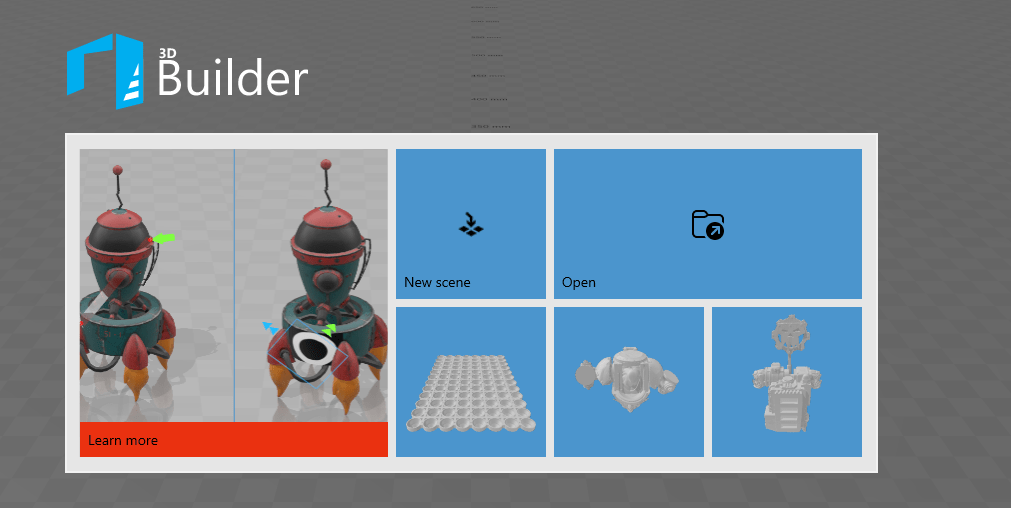
After you have used Blender long enough, you will be better at geometry, and making sure your models are 3D printable. But until then, there is a great tool to help you fix your mistakes and ensure the model has the best chance to print successfully. And it’s free!
3D Builder is a program from Microsoft, free to install, and easy to use. When you import a stl into the program, it will alert you if there are any issues, and you can tell it to fix the file. In the vast majority of cases it will do so perfectly, the time to do so depending on how many errors you have in your file.
In some cases, it will lock up or take so long it’s better to quit out, fix some items in Blender and try again. One of the things that can often cause issues is too much detail. In that case, you will need to run some decimate modifiers to get your face count down.
Hope this is helpful to you, and happy modeling.
 The Daily Assassin
Leave a comment